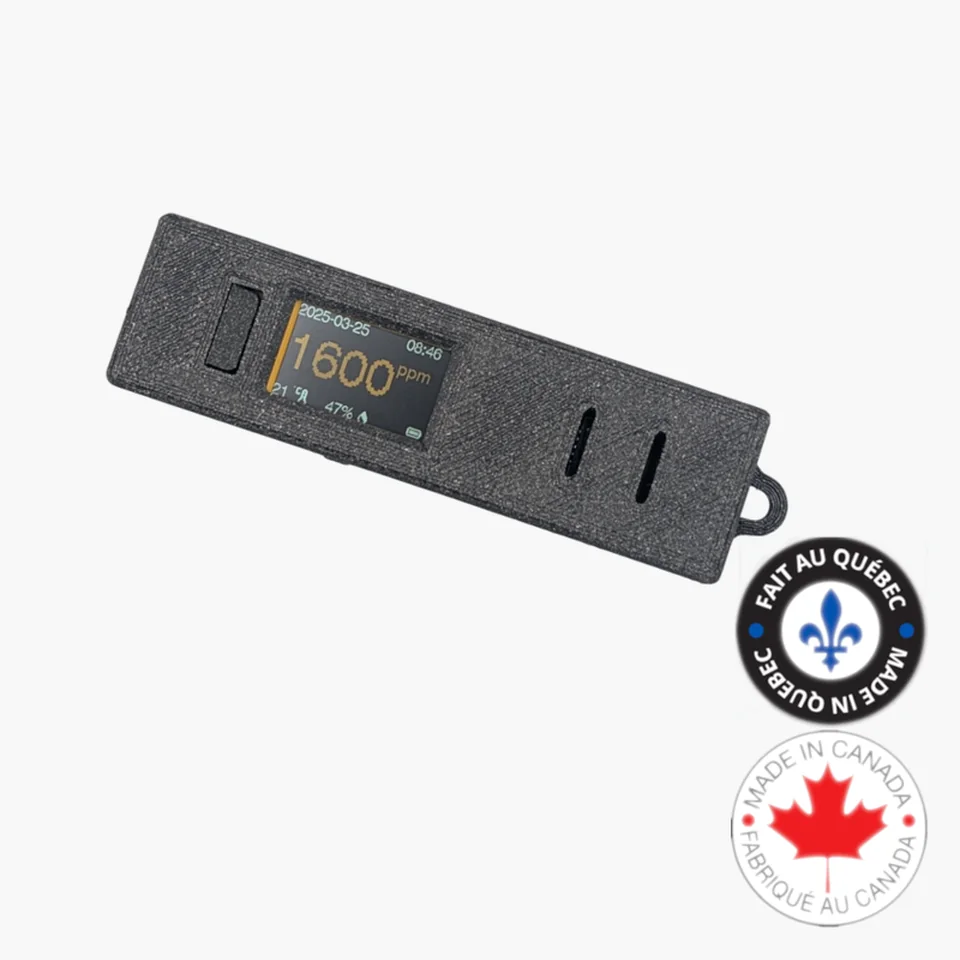
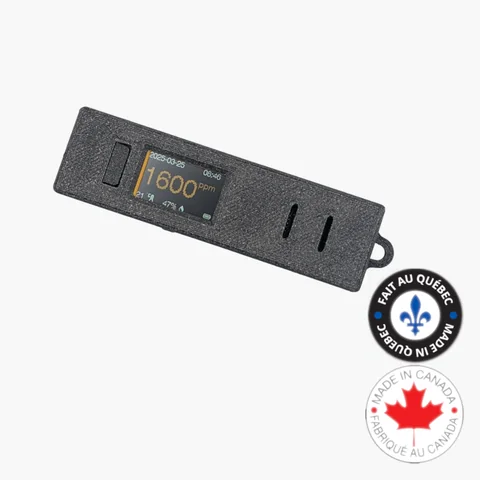
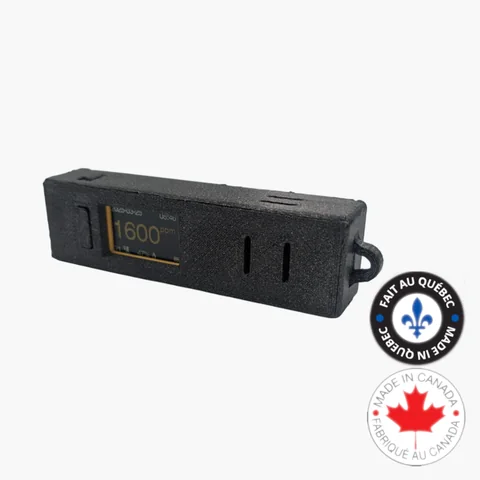
Model F Portable CO2 Monitor with Display
Portable CO2 monitor with display and data logging for travel, classrooms, public spaces, offices, and quick indoor air quality spot checks.
Model F is End of Life and Being Redesigned
The current VisiblAir Model F has reached end of life because the CPU module used in this version is now obsolete.
We are redesigning Model F around an updated platform and will announce the revised specifications and pricing when the new version is ready.
If you would like to hear about the next release, join the notification list and we will let you know as soon as the redesigned Model F becomes available.
Note: Model F is end of life and is being redesigned because the current CPU module is obsolete. Updated specs and pricing will be announced soon.
Need a currently available alternative?
While Model F is being redesigned, these are the closest current options:
- Model D for battery-powered CO2 logging without Wi-Fi.
- Model E-Lite for connected CO2, PM2.5, and VOC monitoring.
- Compare all models to see which VisiblAir sensor fits your use case.
Documents
Latest Supported Model F Firmware
v1.3.2 · Released November 12, 2024 · 1,256,640 bytes (1.20 MiB)
SHA-256: fe05463ea9ad1365ec254db72f1b03e1123c5f91d339f0f0a546d516d50d190e
Make sure this Model F firmware matches your device. See the release notes and verify the checksum before installing.
Quick Setup Guide
Download the quick setup guide for your Model F sensor.
Download Model F Quick Setup Guide (PDF)Firmware Changelog
Review firmware releases, fixes, and improvements for Model F.
Manually Upgrade Model F Firmware
Model F creates a temporary local Wi-Fi network and configuration page. The firmware file travels directly from your browser to the sensor; the VisiblAir Cloud Portal and an internet connection are not used.
Before you start
- Download
visiblair-model-f-firmware-v1.3.2.binwhile you still have internet access. Compare its SHA-256 with the value above (for example, runsha256sum filename.binon Linux). Stop if it does not match. - Use a Wi-Fi-enabled computer or tablet with a current web browser. No flashing application or USB driver is required.
- Connect Model F to a reliable USB-C power supply. A charge-only cable is sufficient because the update uses Wi-Fi.
- Back up locally logged readings first: wake the sensor with button 1, press button 2 while the reading is visible, join co2.click, open
http://192.168.4.1, and download every CSV file you need.
The local updater replaces only the application image and is designed to preserve the temperature-unit setting and locally logged CSV data. Back up readings first nevertheless. Do not choose the configuration page's erase action; a support-assisted full recovery flash may erase settings and readings.
Install v1.3.2
- Press button 1 to wake Model F and show the latest reading. While the reading is visible, press button 2 to start web configuration and display the QR code.
- On the computer or tablet, scan the QR code or join the Wi-Fi network co2.click. A “no internet” warning is expected; remain connected.
- Open
http://192.168.4.1if the configuration page does not appear automatically. If needed, turn off mobile data or VPN temporarily and enter the address again. - Under Sensor firmware update, choose the downloaded Model F v1.3.2
.binfile and select Update Firmware. - Keep the device powered and do not close the page, press buttons, or interrupt Wi-Fi while flashing. Wait for completion and for Model F to restart.
Verify or recover
After restart, watch the boot screen and confirm it shows v1.3.2. Then reopen web configuration and check that the temperature unit and saved CSV files are still present.
If an upload is interrupted, keep USB-C power connected, hold button 2, and restart with button 3; keep holding button 2 until the QR code appears. Rejoin co2.click and retry with the verified Model F file. If the recovery page does not appear, do not erase the sensor or install another model's image. Contact info@visiblair.com with the previous version and what appears on screen.
Customer Reviews
Easy and non-intrusive means of monitoring air quality in public venues, often with surprising results that tell me which venues have good HVAC equipment and those that do not.
Looks great. I've used it on the Skytrain, bus and in healthcare visits in Vancouver to check air quality and see that I was glad I was wearing a mask, and others probably should be too. I wish the big button was at the 'lanyard' end of the device. When I'm holding it with the lanyard/carabiner towards me, my thumb reaches to touch the button and covers the screen. It'd be nice if the screen was visible. A small suggestion. I might make a protective cover for the detector because I'm afraid I'll damage it. Maybe with a bicycle inner tube, or leather or something. I'll send you a photo.
I purchased this to replace a Vitalight Mini CO2 monitor which I lost. I appreciate the slim form factor and the ability to download minute-by-minute readings for the past few days. Perhaps the most enjoyable aspect of purchasing this has been the responsive and personal service I received from the time I placed the order until I'd received it and had a few questions. It feels good supporting a venture that so clearly cares about what it is doing and strives to provide customers with an excellent product and outstanding support.
I take this everywhere in my backpack to help keep a close eye on air quality when I'm travelling. Very handy to have!